WebP, JPG or PNG: choose the right image format
Pick a format for photographs, transparent graphics and screenshots. Compare the exported file before sharing or publishing it.
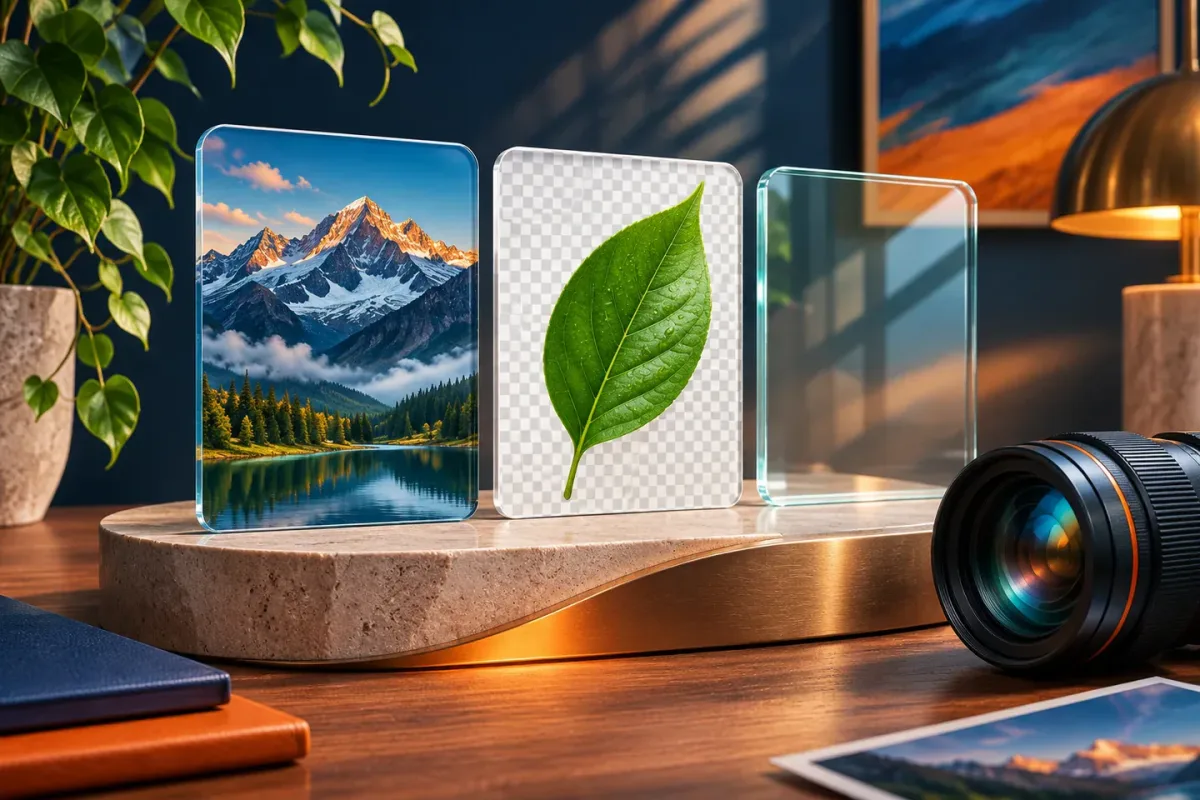
Use JPEG for broadly compatible photo delivery, PNG for lossless graphics or transparency, and WebP when the destination supports it and the output offers a useful size-quality balance. Test the real file.
The essentials
- Choose a format for the image and destination rather than assuming one format always wins.
- JPEG does not preserve transparency; PNG and WebP can support it.
- Changing an extension is not conversion, and converting a low-quality source cannot restore detail.
Start with the destination
Before converting a file, check where it will go. A website, print workflow, marketplace listing and application form can have different accepted formats. A smaller WebP is not helpful if the upload form accepts only JPEG or PNG. Keep an original and make a delivery copy for each destination.
Also check the required dimensions and maximum file size. Format selection cannot solve a dimension mismatch. If a form asks for a square image, a wide photograph needs an intentional crop or padding, not just a different extension.
Use JPEG for compatible photo delivery
JPEG, commonly named with a .jpg or .jpeg extension, is widely used for photographs. Its lossy compression can reduce file size by discarding some image detail. Higher compression may introduce visible blocks or halos, especially around text and sharp edges.
JPEG does not support transparency. For example, a logo with a transparent background needs a chosen solid background when converted to JPEG. Inspect the export on the page color where it will be used so a white rectangle does not appear unexpectedly.
Use PNG when lossless detail matters
PNG supports lossless compression and transparency. It is useful for graphics, interface screenshots and images where crisp edges or exact pixels matter. A screenshot of a spreadsheet may be more readable as PNG than as a heavily compressed JPEG.
That does not mean PNG is the smallest choice for every task. A full-resolution photograph saved as PNG can be much larger than a suitable JPEG or WebP. Use the source content and actual exported result to make the decision.
Try WebP for supported web destinations
WebP supports lossy and lossless encoding as well as transparency. It can be useful for website delivery when supported by the browsers and publishing workflow you target. A converter's quality controls may produce a lossy WebP, so do not assume that every WebP export is lossless.
For a product photo, create a correctly sized JPEG and WebP from the same original. Compare them at the intended display size, inspect fine details and check their byte sizes. Pick the version that fits the destination and preserves the information customers need. There is no fixed percentage saving that applies to all images.
Convert the data, then inspect it
- Keep an untouched original and confirm the destination's requirements.
- Resize or crop deliberately, then select the output format.
- Check transparency, color appearance and small details in the exported file.
- Upload a test copy and confirm that the destination displays it correctly.
Renaming photo.png to photo.jpg does not change the encoded data. Use the image converter and open its actual download. Re-encoding also cannot recover detail from a previously damaged image, so return to the best available source whenever you can.
If your image contains sensitive information, check the metadata and visible content separately. A format conversion should not be treated as a complete privacy-cleaning or redaction process.
Put this guide to work
Frequently asked questions
Is WebP always smaller than JPEG?
No. Image content, dimensions, quality and encoder settings all affect the result. Compare equivalent exports and choose the one that suits the destination.
Does PNG to JPEG keep a transparent background?
No. JPEG has no alpha channel. Choose a background color and review the exported image before using it.
References
- Image file types and formats - MDN Web Docs
- WebP overview - Google for Developers
